
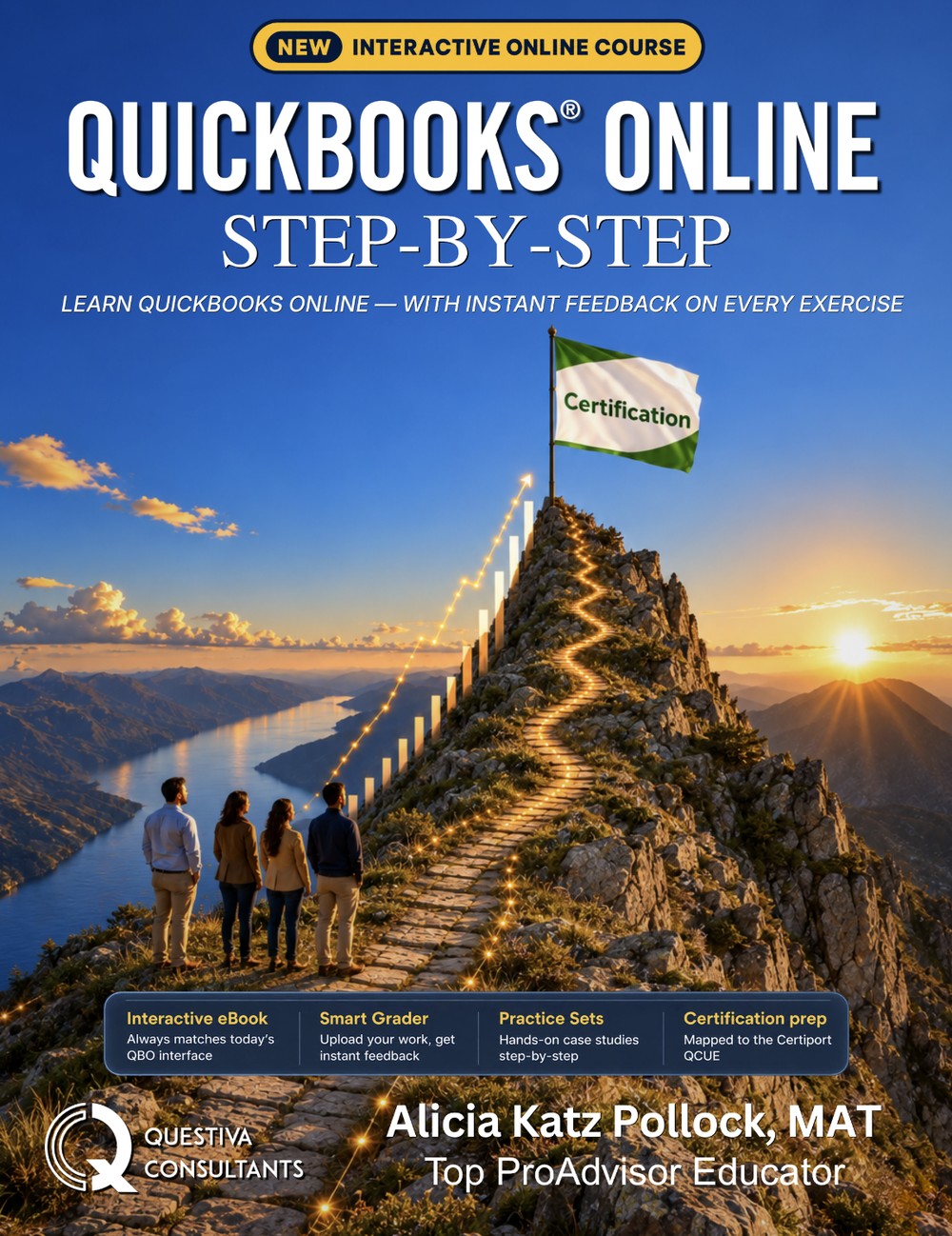
QuickBooks Online Step-by-Step: the QuickBooks Online textbook
The online textbook for learning QuickBooks Online, with hands-on exercises, quizzes and smart grading. Originally developed by The Sleeter Group, written and edited by Alicia Katz Pollock, and published by Questiva Consultants. Chapter 4 is free to read, with no account and no card.
What it is
A textbook you read online and practice in QuickBooks
Hands-on, in QuickBooks Online
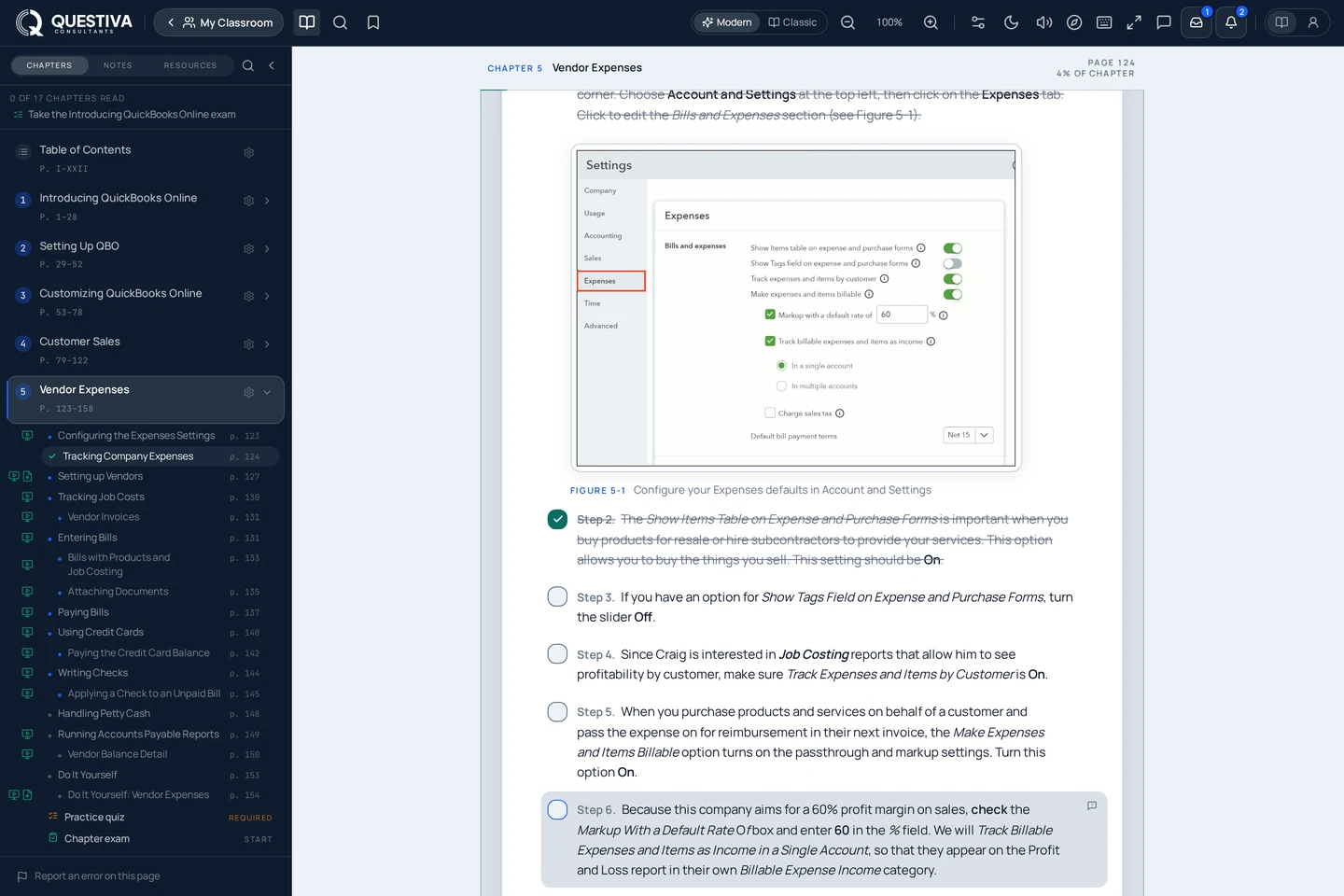
16 chapters, a bonus chapter and appendices, read online. Learners do the work in QuickBooks Online, step by step, and check themselves with quizzes.
Smart grading
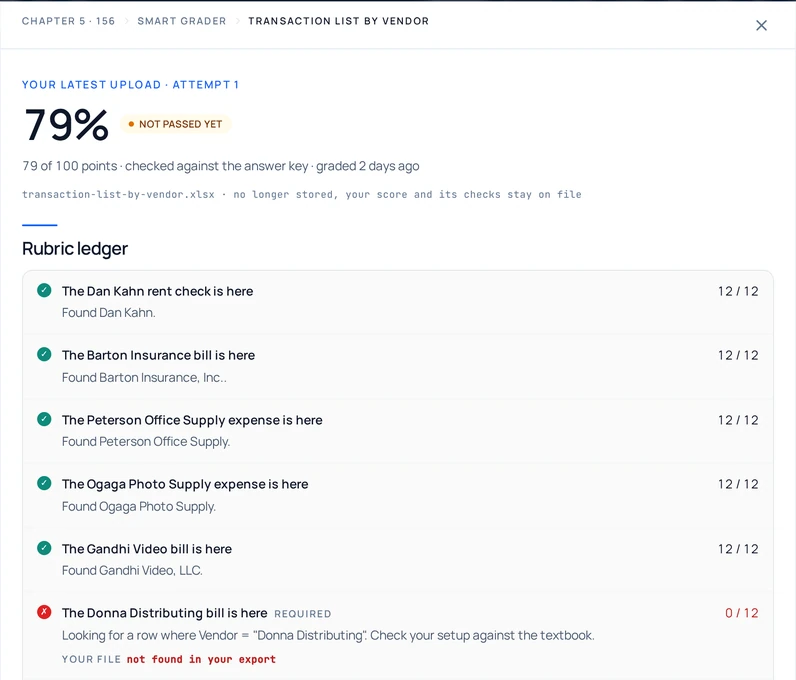
Learners export the report the book asks for and upload it. The smart grader compares the file to an answer key, check by check, and scores it. The same file always gets the same score.
Built for the classroom
Teachers set up a class, invite students by code, link or email, and follow every student on the Teacher Dashboard. A grade file imports into Canvas, Blackboard or Moodle.
Current with QuickBooks Online
The 2026 edition is written against the current QuickBooks Online interface, and an online textbook is corrected in place as Intuit ships changes.
Two plans
Which plan fits
Lite
$114.95 a year, or $34.95 a month
Chapters 1–8 and 10: setup, sales, expenses, banking, reports and advanced workflows.
Craig’s Landscaping, in Intuit’s free QuickBooks Online Test Drive, so it needs no QuickBooks Online account.
Standard
$179.95 a year, or $59.95 a month
Everything in Lite, plus chapters 9 and 11–16: the YinYang Graphic Design case study, job costing, inventory, year-end, payroll and the capstone, the bonus chapter and every end-of-chapter DIY.
Imagine Photography and YinYang Graphic Design, companies you build yourself. It needs a QuickBooks Online account, and a free one works.
For QuickBooks teachers
Run your QuickBooks Online class from one place
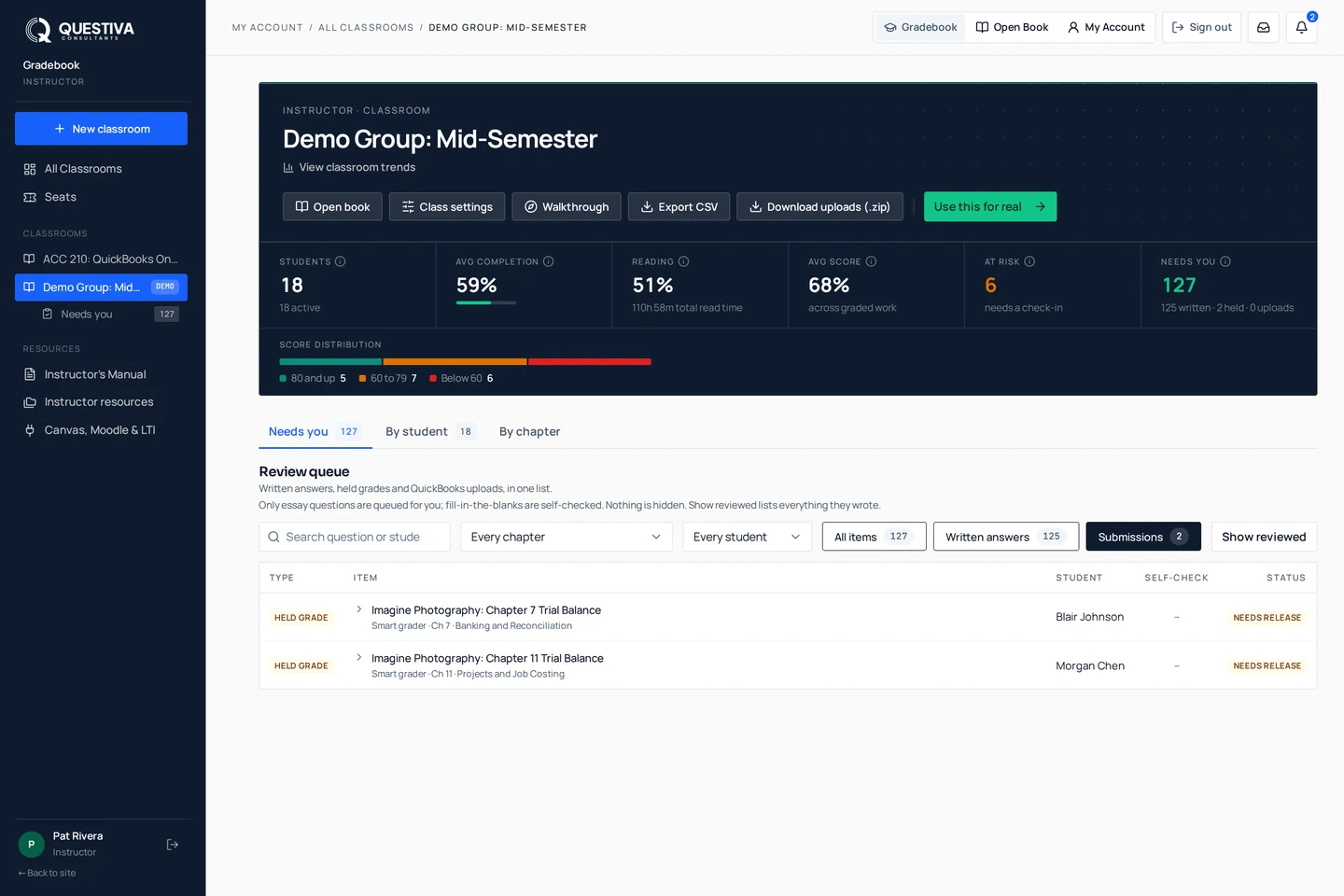
Set up a class and invite students by code, link or email. The Teacher Dashboard shows each student’s progress, scores and last sign-in; the smart grader checks supported QuickBooks assignments against the answer key, and you can adjust any check. Approved teachers also get the Instructor’s Manual, answer keys, chapter exams and test banks.
The heritage
From The Sleeter Group to QuickBooks Online
- Early 1990s
The first QuickBooks seminars
Doug Sleeter develops the first QuickBooks seminars in the country, and builds The Sleeter Group into the largest group of accounting software consultants in the profession. About Doug
- Twenty years of classrooms
The Sleeter Group textbooks
For more than twenty years, the QuickBooks textbooks used in classrooms and training rooms carried The Sleeter Group imprint, among them QuickBooks Complete, the college textbook Doug co-wrote. Doug’s books
- Today
QuickBooks Online Step-by-Step
Written and edited by Alicia Katz Pollock and published by Questiva Consultants, online, with hands-on exercises, quizzes and smart grading. See the book
Questions
QuickBooks Online Step-by-Step: questions and answers
What is QuickBooks Online Step-by-Step?
An online textbook for learning QuickBooks Online, read in your browser: 16 chapters, a bonus chapter and appendices, with hands-on exercises you do in QuickBooks Online, quizzes, and smart grading of the reports you export. It is written and edited by Alicia Katz Pollock and published by Questiva Consultants.
See the book at QuestivaHow is it related to The Sleeter Group’s QuickBooks textbooks?
For more than twenty years, the QuickBooks training textbooks used in classrooms and training rooms carried The Sleeter Group imprint, including QuickBooks Complete, which Doug Sleeter co-wrote. QuickBooks Online Step-by-Step was originally developed by The Sleeter Group, the company Doug Sleeter founded, and is written and edited by Alicia Katz Pollock. Questiva Consultants publishes it today.
Can I try it for free?
Yes. Chapter 4 is free to read, with no account and no card. The student demo walks you through it, and no account is needed to start.
Start the free demoDo I need to pay for QuickBooks Online?
No. Lite works in Intuit’s free QuickBooks Online Test Drive. Standard needs a QuickBooks Online account, and a free one works: your teacher can invite you to one from Intuit Education, or you can create a free Intuit Accountant Suite profile yourself.
What is the difference between Lite and Standard?
Lite covers Chapters 1–8 and 10 (setup, sales, expenses, banking, reports and advanced workflows) in Craig’s Landscaping. Standard adds chapters 9 and 11–16 (the YinYang Graphic Design case study, job costing, inventory, year-end, payroll and the capstone), the bonus chapter and every end-of-chapter DIY, in companies you build yourself.
Compare the plansHow much does it cost?
Lite is $34.95 a month or $114.95 a year. Standard is $59.95 a month or $179.95 a year. The yearly plan is a one-time payment for one year of access.
See pricingIs there a printed book?
Yes, the E-Learning Companion: a printed copy of the book to use alongside the online course. It is $60 with either plan and is not sold on its own.
I teach QuickBooks. What do teachers get?
Classes you set up and invite students to, a Teacher Dashboard with each student’s progress and scores, the smart grader for supported QuickBooks assignments, and a grade file to import into Canvas, Blackboard or Moodle. Approved teachers also get the Instructor’s Manual, answer keys, chapter exams and test banks. Approval is free and reviewed by a person, usually within one business day.
Open the teacher demoDoes it prepare learners for QuickBooks certification?
Certiport lists the book as in line with the QuickBooks Certified User exam, and a free practice quiz shows you where you stand. Questiva Consultants is an independent publisher, not Intuit, and does not administer the exam.
Try a practice examWhere are the data files for the QuickBooks college textbooks?
The exercise and data files for the textbooks are on the Downloads page at Questiva Consultants.
Go to Questiva downloadsStart learning QuickBooks Online
Chapter 4 is free to read, with no account and no card.